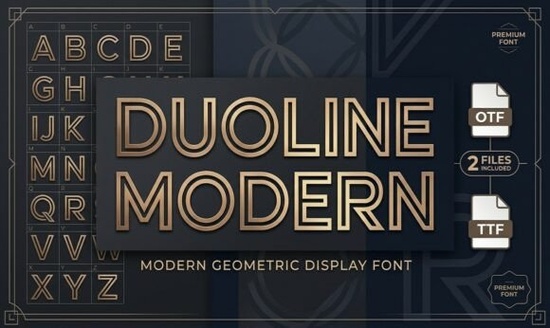
What makes the double-line design stand out on digital screens?
The inline structure works because it relies on negative space. When applied to a solid background, the gap between the primary stroke and the inner line creates subtle depth. This approach reduces visual weight while keeping letterforms distinct at larger sizes. You will notice the parallel lines stay perfectly aligned even when tracking increases, which matters for wide headlines. Designers appreciate how the geometric foundation keeps curves and angles balanced. If you want to compare this approach with heavier options, look into chunky outline styles for streetwear, where thickness plays a bigger role than precision.
Where should you actually use this geometric sans-serif?
This display font shines in projects that demand immediate attention without feeling cluttered. Tech branding and startup logos benefit from crisp lines that suggest innovation. Sports apparel sellers apply it to jersey numbers and team merchandise because the strokes read clearly on fabric. Architectural layouts and modern monograms also pair well with the structured letterforms, especially when set in uppercase. For editorial work, minimalist posters use the typeface to establish hierarchy without competing with photography. If your project requires a traditional feel, a resource like a classic serif alternative might fit heritage brands better.
How do you prepare files for print-on-demand production?
Preparing inline typography for merchandise requires careful file setup. Convert your text to vector paths so the inner stroke does not disappear during scaling. Print-on-demand platforms compress images, which can cause thin gaps to close on dark garments. Adjust the stroke weight slightly before exporting, and always preview on both light and dark fabric swatches. When placing text on curved surfaces, increase the baseline to maintain the double-line illusion. For projects that need a casual vibe alongside geometric headers, consider pairing with a playful handwritten choice to balance structure.
What are the best ways to pair this typeface with other styles?
Display fonts work hardest when supported by simple secondary type. Keep body copy clean using a neutral sans-serif with standard proportions. Avoid matching the inline effect with another decorative font, as competing stroke treatments create visual noise. Use varying sizes and consistent tracking to establish a clear reading path. If your layout needs a vintage touch, browse a retro marquee option to see how contrasting styles can coexist without fighting for attention.
Quick checklist before exporting
- Convert all text layers to outlines to prevent substitution errors.
- Test contrast on black, white, and mid-tone backgrounds.
- Increase tracking slightly in all-caps settings to preserve the inner gap.
- Verify commercial licensing covers your specific print-on-demand platform.
- Export at 300 DPI for physical goods and optimize file size for web.
Start by setting a single headline to understand how the parallel lines behave at different sizes. Once you see how the spacing interacts with your layout, you will know exactly where to apply it in your brand guidelines. You can also explore the Duoline Modern Font collection to access additional styling options for your next project.
Explore Design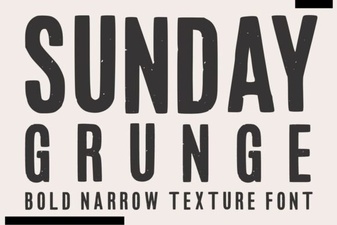 Sunday Grunge Fonts for Creative Designs
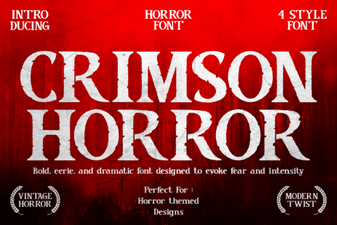 Craft with Crimson Horror Font: Design Ideas
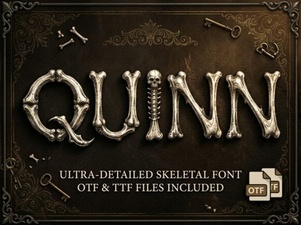 Quinn Font: Creative Typography for Your Projects
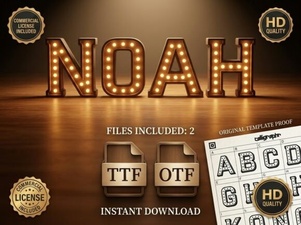 Explore the Noah Font: Design Features & Creative Uses
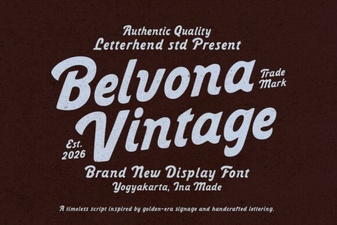 Belvona Vintage Font for Design Projects
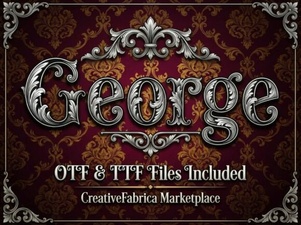 George Fonts for Modern Design Projects